
Ethernet with Power Cable
Your Leading Ethernet with Power Cable Supplier
Shenzhen HaiKangSu wire & Cable Co., Ltd., is a professional integrated trading company specializing in the production and processing of copper-core cables and wires. Our Ethernet with Power Cable has many varieties and is commonly used for network devices such as IP cameras, wireless access points, IP phones and other IoT devices. These devices are often placed in places where there is no power outlet nearby. It provides network connection and device power at the same time, thus saving installation costs.
-
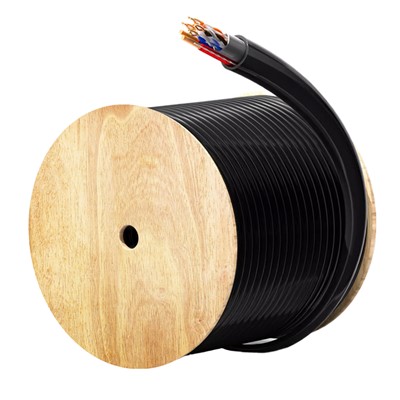
![Cat5e PoE Networking Cable]() Cat5e PoE Networking CableProduct FeaturesThe Cat5e PoE Networking Cable supports data transfer speeds up to 1000Mbps, ensurinread more
Cat5e PoE Networking CableProduct FeaturesThe Cat5e PoE Networking Cable supports data transfer speeds up to 1000Mbps, ensurinread more -
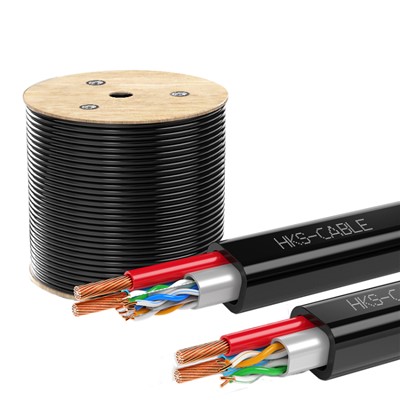
![Cat5e with Power Cables 1000Ft]() Cat5e with Power Cables 1000FtProduct Features:Our Cat5e with Power Cable features a durable black jacket designed for outdoor useread more
Cat5e with Power Cables 1000FtProduct Features:Our Cat5e with Power Cable features a durable black jacket designed for outdoor useread more -
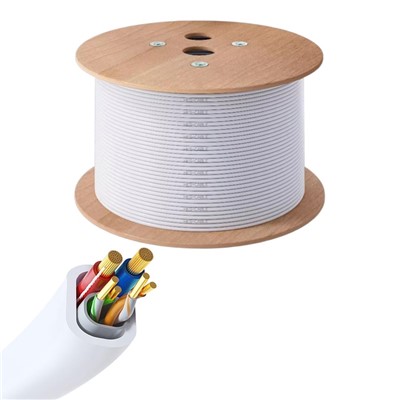
![Cat6 with Power Cable]() Cat6 with Power CableCat6 With Power Cable is an excellent networking solution that combines data and power transmissionread more
Cat6 with Power CableCat6 With Power Cable is an excellent networking solution that combines data and power transmissionread more
Why Choose Us?
Rich Experience
The company has its self-owned factory in Chigang Town, Jieyang City, Guangdong Province, China, with a development history of fifteen years and extensive production experience.
Professional Team
It employs a large workforce, including over 100 advanced technical professionals, and maintains strong partnerships with numerous domestic and international enterprises.
Accept ODM
We provide high-quality OEM services following important standards according to different customer requirements, including special lengths, colors, insulation materials and production standards.
Complete Qualifications
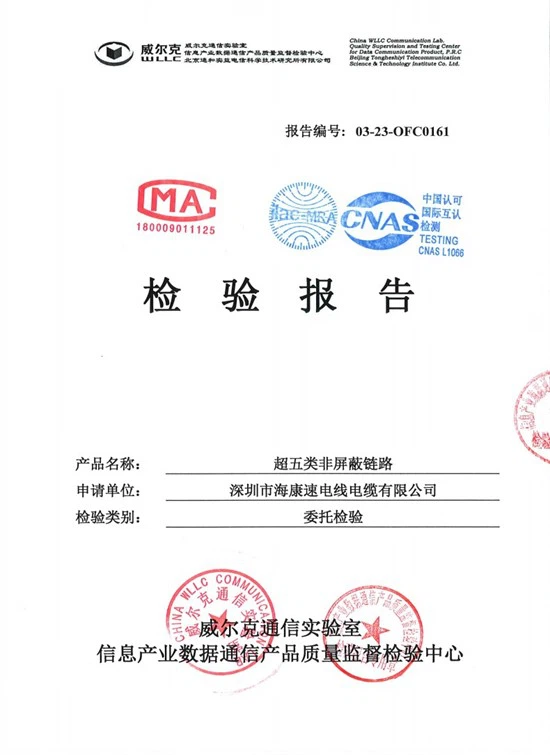
We supply cables and wires that conform to BSI, IEC standards, and Chinese national standards. Every aspect of our products and services undergoes rigorous checks to ensure that the products leaving the factory meet the standard requirements of our customers.
Type of Ethernet with Power Cable
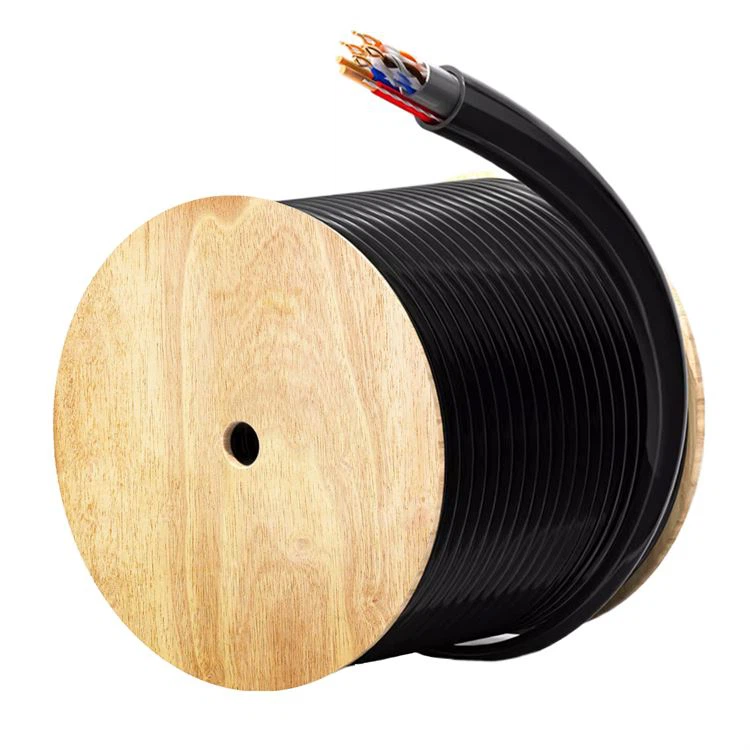
Cat6 with Power Cable
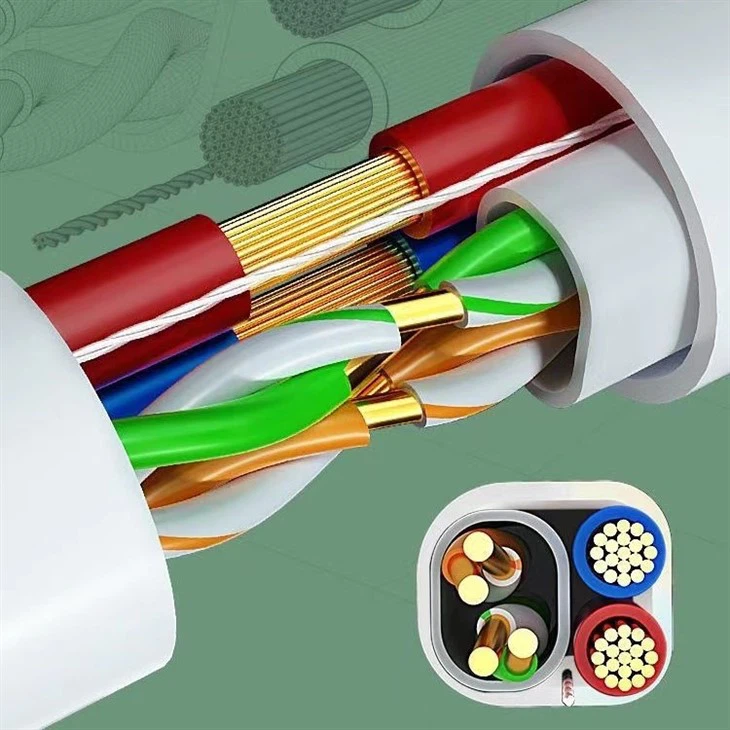
Cat6 With Power Cable is an excellent networking solution that combines data and power transmission into one. It features high-quality copper conductors to ensure outstanding data transfer performance and power transmission efficiency.
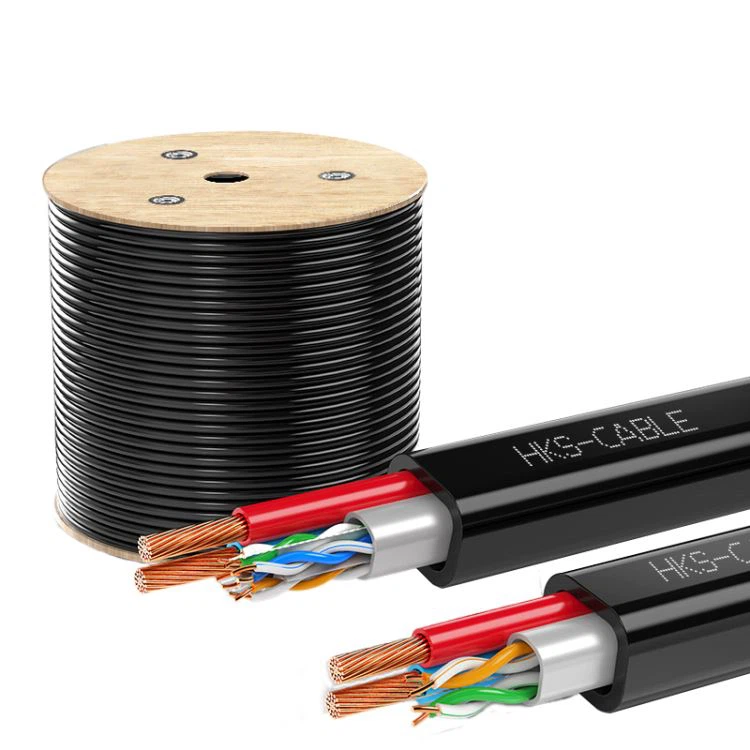
Cat5e with Power Cables 1000Ft
Our Cat5e with Power Cable is engineered for robust outdoor performance, featuring a durable black jacket that withstands harsh environmental conditions.
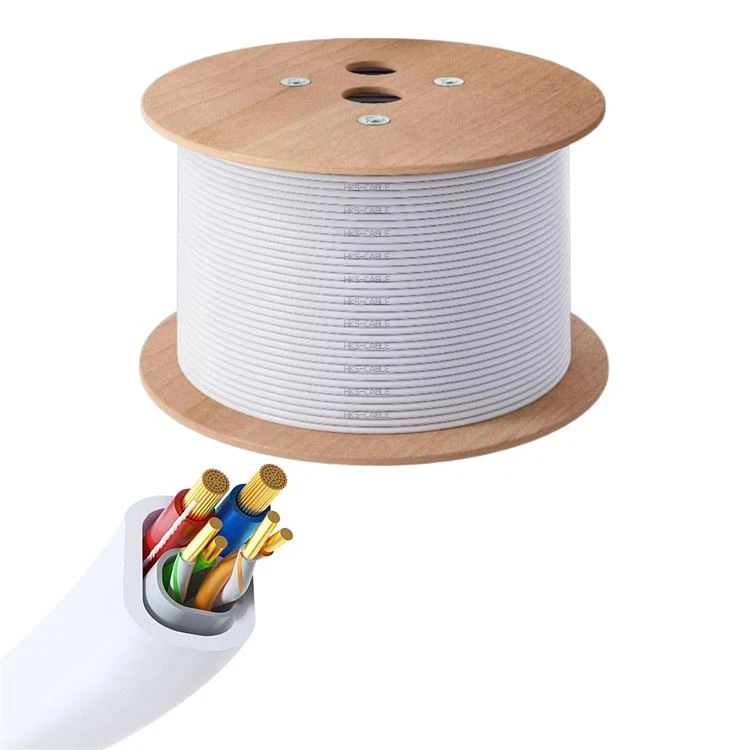
Cat5e PoE Networking Cable
Our Cat5e PoE Networking Cable combines high-speed data transfer and power delivery in one cable. Supporting speeds up to 1000Mbps and featuring intelligent power adaptation, it ensures reliable performance for IP cameras, phones, and switches.
Specifications of Ethernet with Power Cable
|
Cable Type |
Cat 5e |
|
Cable Jacket |
PVC&LSZH |
|
Reference Bandwidth |
550MHZ |
|
Wire Gauge |
23AWG |
|
Cable Outer Diameter (mm) |
0.510 ± 0.005 |
|
Maximum Installation Tension (N) |
110 |
|
Operating Temperature |
-40 to 75°C (-40 to 167°F) |
|
Shielding Type |
UTP |
|
Cable Length |
1000ft (305m) |
|
Data Rate Support |
10/100/1000Base-T |
|
Conductor Type |
Pure Bare Copper Wire |
|
Cable Outer Diameter (mm) |
8.3±0.50 |
|
Bend Radius (mm) |
34 |
|
Installation Temperature |
-10 to 50°C (-14 to 122°F) |
Customization Options
Length
Available in various lengths to suit different installation needs.
Color
Customizable.
Insulation
Customizable.
Compliance
Meets or exceeds ANSI/TIA-568-C.2 standards.
Ordering Process
COMMU NICATION DETAILS
Contact online customer service to communicate the details.
START DESIGNING
Start your prototype design.
CONFI RMATION OF THE FINAL DRAFT
Iterate on details to finalize.
PAYMENT OF DEPOSIT
Factory prepares materi-als and customers make deposits.
START OF PRODUCTION
Factory starts produc-tion.
DELIVERY RECEIPT
The customer confirms the quality of the goods and receives them.
Storages of Ethernet with Power Cable
Store cables in cool, dry environments away from direct sunlight, moisture, or chemicals to preserve insulation and conductivity.
Avoid bending, twisting, or pulling cables excessively to prevent internal damage and maintain performance.
Installation Steps of Ethernet with Power Cable
Planning Your Network
Start by designing a layout for your network. Identify device locations, cable paths, and connection points. Consider future expansion while planning cable lengths and access points. Avoid routing cables near high-power electrical lines to prevent interference. Sketch a diagram to visualize the setup and ensure proper coverage.
Measuring and Cutting Cables
Measure the required length of each cable, leaving extra for flexibility and routing. Cut cables to the desired length using a wire cutter. Avoid cutting cables too short, as this can lead to connection issues and limited mobility for devices.
Preparing Cable Ends
Strip about an inch of the cable jacket using a wire stripper. Expose the twisted pairs inside the cable without damaging them. Separate and straighten the wire pairs to make them easier to work with during the termination process.
Arranging and Inserting Wires
Untwist the wire pairs and arrange them according to the T568A or T568B wiring standard. These standards ensure compatibility and consistent wiring across devices. Insert the wires into a connector, ensuring each wire reaches the end of the connector. Double-check the wire order before proceeding.
Crimping the Connectors
Use a crimping tool to secure the connector to the cable. This creates a stable and reliable connection. Test the crimped connector by gently pulling on the cable to ensure it is firmly attached.
Testing the Cable
Test each cable using a cable tester to ensure proper connectivity. The tester will check for continuity, miswiring, and open circuits. Resolve any issues detected before finalizing the installation.
Running Cables Through Walls or Ceilings
Use fish tape to guide cables through walls or ceilings. Mark the entry and exit points for accuracy. Avoid sharp bends or kinks that can damage the cables and degrade signal quality. Use conduit or cable trays to protect cables in exposed areas.
Terminating Cables at Wall Plates
Attach cables to wall plates or jacks for a professional and organized look. Use a punch-down tool to secure the wires into the jack according to the wiring standard. Mount the wall plates securely to prevent accidental disconnections.
Safety Information of Ethernet with Power Cabl
Don't: Run Cable in Unsafe Locations
Avoid running Ethernet cables near electrical conduit, water pipes, or under floors. This prevents potential hazards and ensures the setup passes safety inspections. Improper placement, such as over-ceiling tiles, can create safety issues and negatively impact the network.
Don't: Bundle Cables Too Tightly
Bundling cables too tightly may lead to kinking and damage, affecting network quality and hindering troubleshooting. Allowing flexibility in your cable layout maintains optimal performance and ease of access.
Don't: 'Over-Cable' Your Racks
Excessive cabling can obstruct airflow and increase rack temperatures, posing a risk to equipment. Ensure cables are neatly arranged to maintain optimal cooling.
Don't: Leave Terminations Exposed
Leaving terminations exposed risks damaging the wires and could lead to connection failures. Ensure all terminations are covered and secure to maintain the cable's integrity.
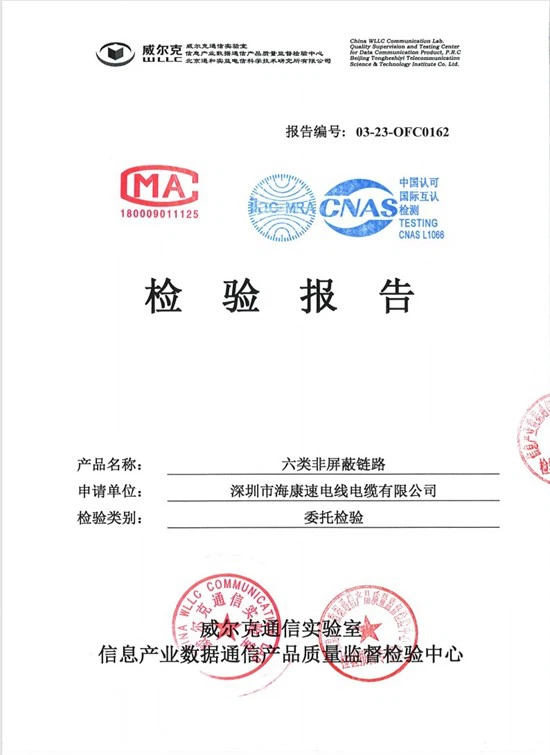
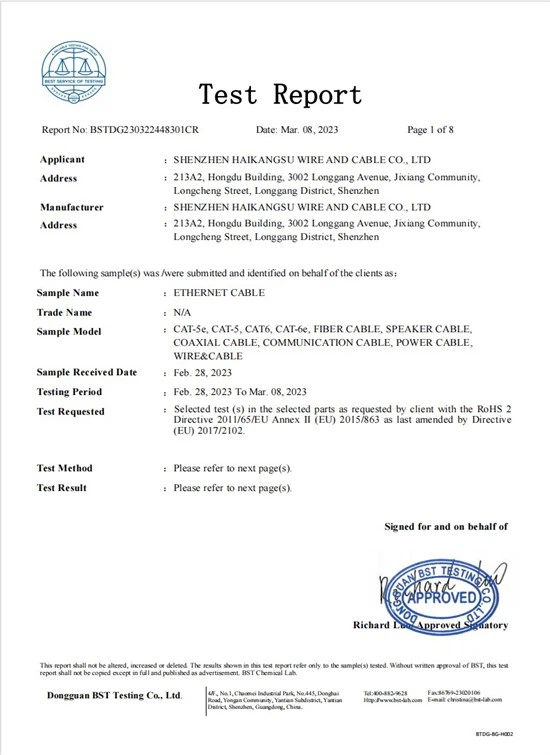
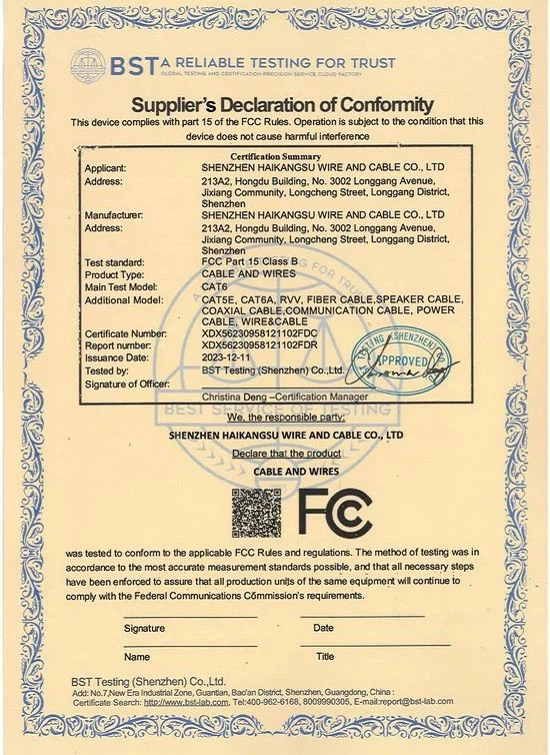
Certificate


Payment Terms
T.T with 30% downpayment, 70%before shipment. Paypal or West Union also accept.
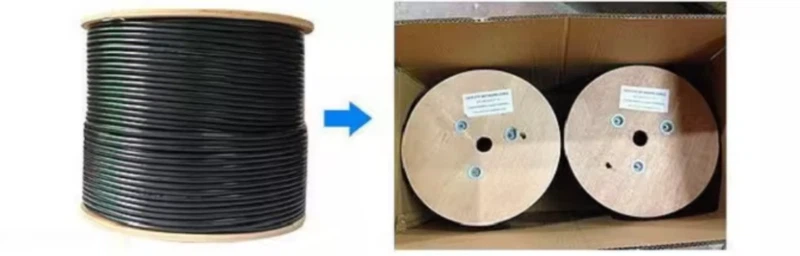
Packing & Transportation

FAQ