
Ethernet Cable
What is Ethernet Cable
Ethernet cable is a type of networking cable used to connect devices to the local area network (LAN). It is commonly used in wired networking to transmit and receive data between devices, such as computers, routers, and switches. Ethernet cables come in different categories, ranging from Cat5 to Cat8, each with varying transmission speeds and capabilities. They are typically made of copper wires and use RJ45 connectors to plug into devices. Ethernet cables are essential for establishing a stable and fast internet connection in homes, businesses, and data centers.
Advantages of Ethernet Cable
Faster Speeds
Ethernet cables offer faster data transfer speeds compared to Wi-Fi, making them a more reliable solution for online gaming, video streaming, and other high-bandwidth activities.
More Reliable Connection
Ethernet cables provide a more consistent and stable connection as they are not affected by interference from other wireless signals and can prevent data packet loss due to buffering.
Security
Ethernet cables offer greater security when transferring data compared to wireless connections. Data transmitted over Ethernet cables is less vulnerable to hacking or interception than WiFi or Bluetooth.
Distance Coverage
Ethernet cables can transfer data over longer distances than Wi-Fi, with cables ranging from 100 feet to over 300 feet without any significant signal degradation.
-
![40G Cat8 Cable 305m]() 40G Cat8 Cable 305mProduct Features: The Cat8 SFTP Cable offers a high bandwidth of up to 2000 MHz, supporting data ratread more
40G Cat8 Cable 305mProduct Features: The Cat8 SFTP Cable offers a high bandwidth of up to 2000 MHz, supporting data ratread more -
![High-Performance Cat7 SFTP Cable]() High-Performance Cat7 SFTP CableProduct FeaturesThe High-Performance Cat7 SFTP Cable supports up to 10 Gigabit Ethernet over 100 metread more
High-Performance Cat7 SFTP CableProduct FeaturesThe High-Performance Cat7 SFTP Cable supports up to 10 Gigabit Ethernet over 100 metread more -
![23AWG Cat6A SFTP Cable]() 23AWG Cat6A SFTP CableProducts Features1. Oil-resistant and UV-resistant PUR sheathing2.Frequency of up to 750MHz, with spread more
23AWG Cat6A SFTP CableProducts Features1. Oil-resistant and UV-resistant PUR sheathing2.Frequency of up to 750MHz, with spread more
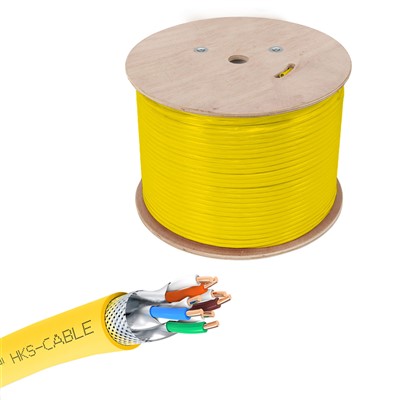
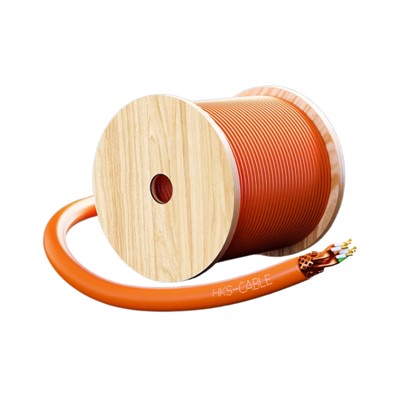
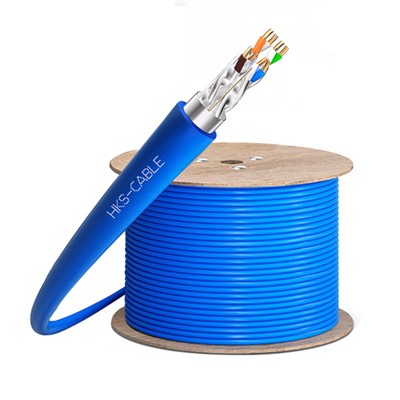
Why choose us
Rich Experience
Our company has many years of production work experience. The concept of customer-oriented and win-win cooperation makes the company more mature and stronger.
One-stop Solution
With rich experience and one-to-one service,we can help you choose products and answer technical questions.
Quality Control
We have professional personnel to monitor the production process, inspect the products and ensure that the final product meets the required quality level standards, guidelines and specifications.
Advanced Equipment
Equipment based on the latest technological developments has higher efficiency, better performance and stronger reliability.
Competitive Price
We have professional sourcing team and cost accounting team, stive to reduce cost and profit and provide you a good price.
After-Sale Service
Professional and thoughtful after -sales team, let you worry about us after -sales Intimate service, strong after -sales team support.
Types of Ethernet Cables
There Are 3 Types Cabled Commonly Used
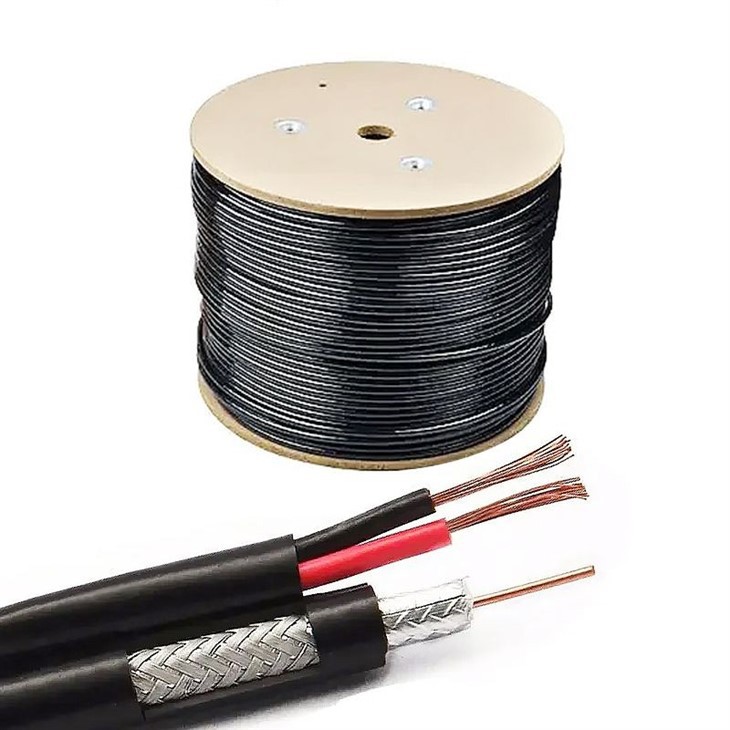
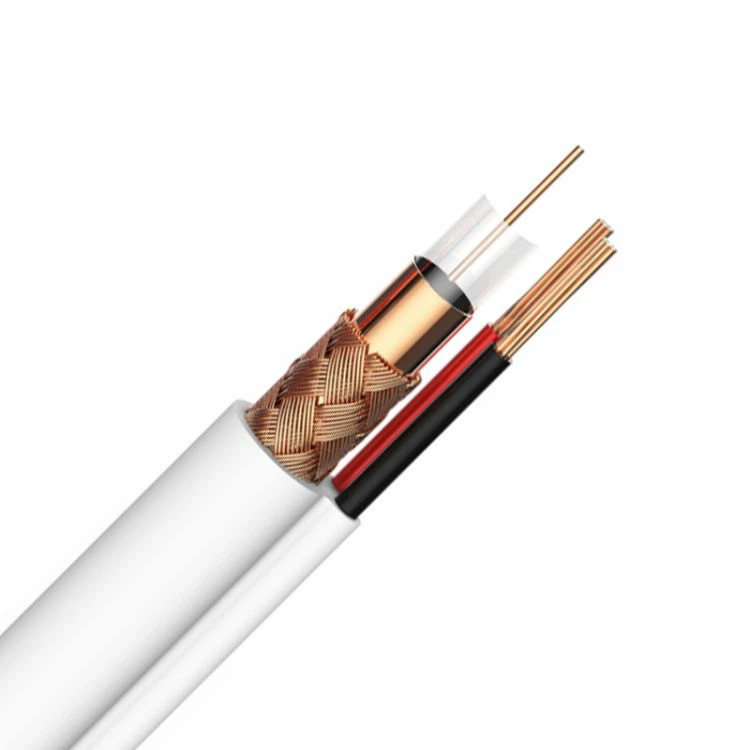
Coaxial Cable
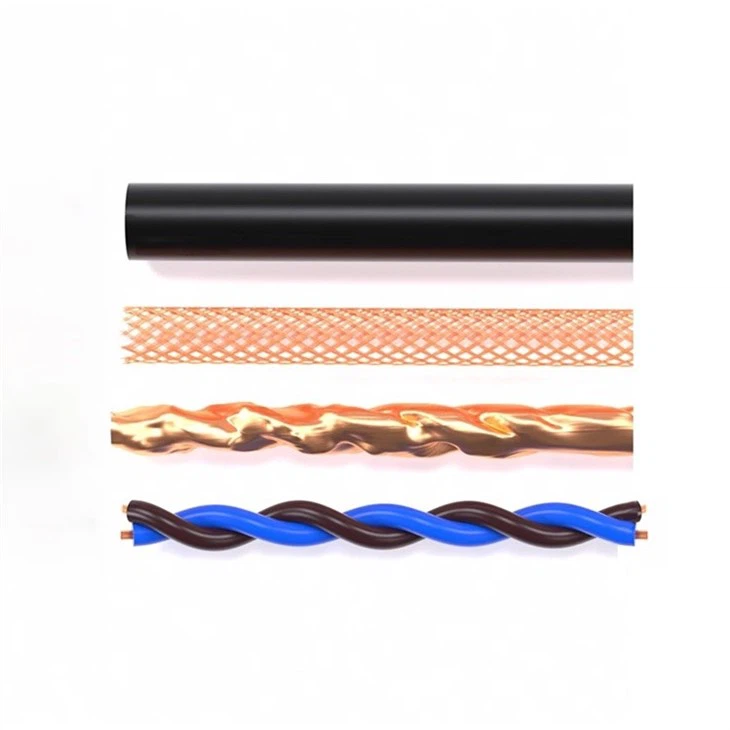
It is a type of electrical cable consisting of copper wire and a shield with metal to block signal interference. Commonly used in TV cable satellites to connect their antenna.
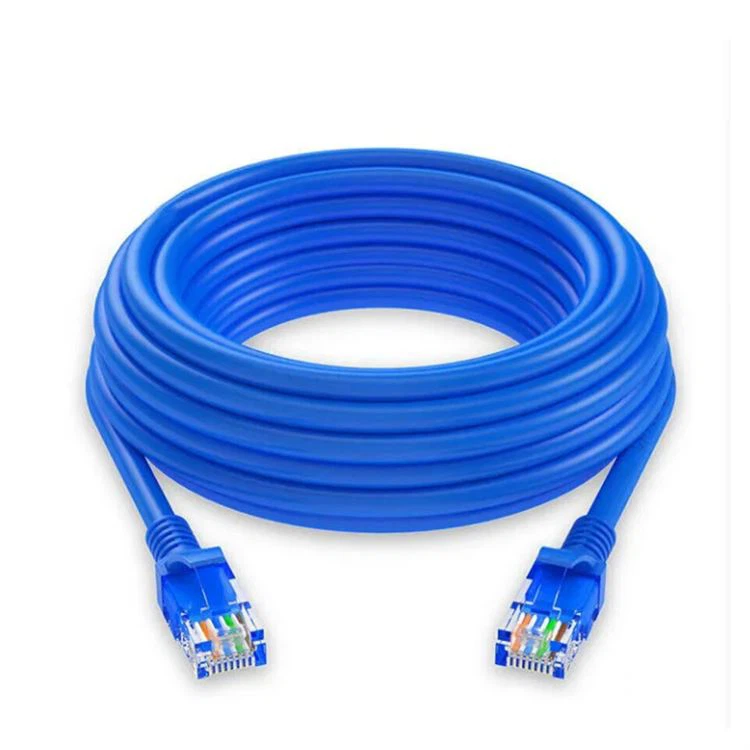
Twisted Pair Cable
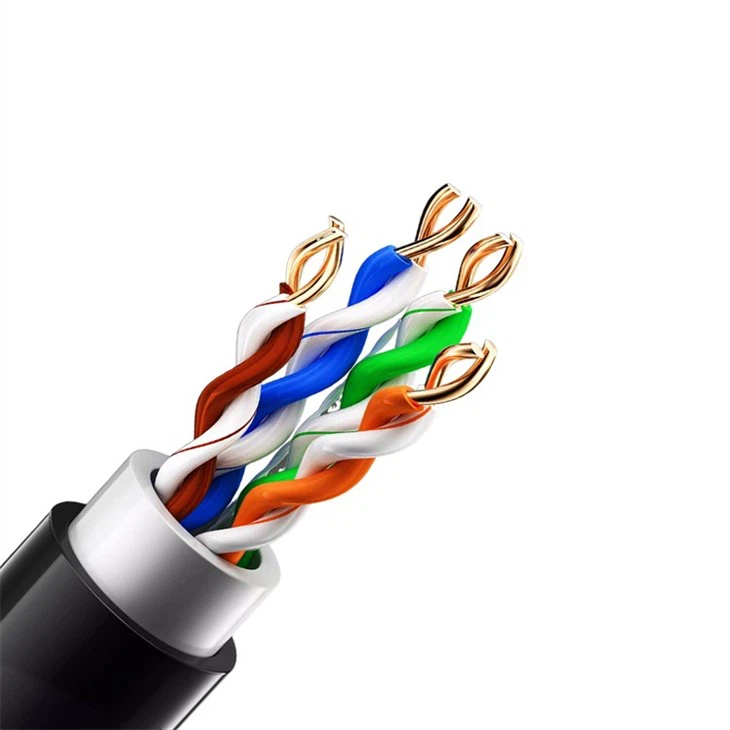
When copper wires, two pairs of single circuits are twisted together. The purpose of their twisting is to reduce noise or crosstalk. They are cost-effective and easy to install.
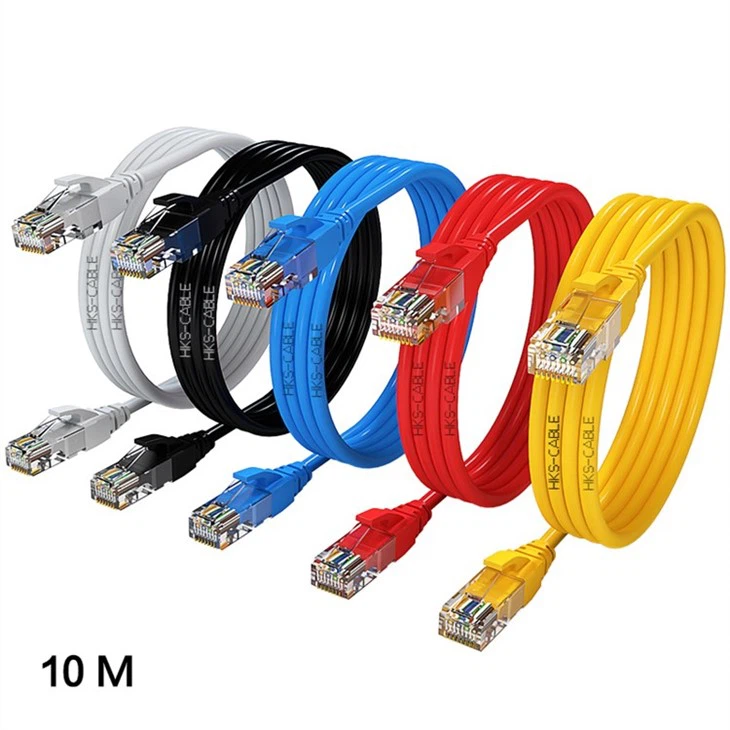
Fiber Optic Cable
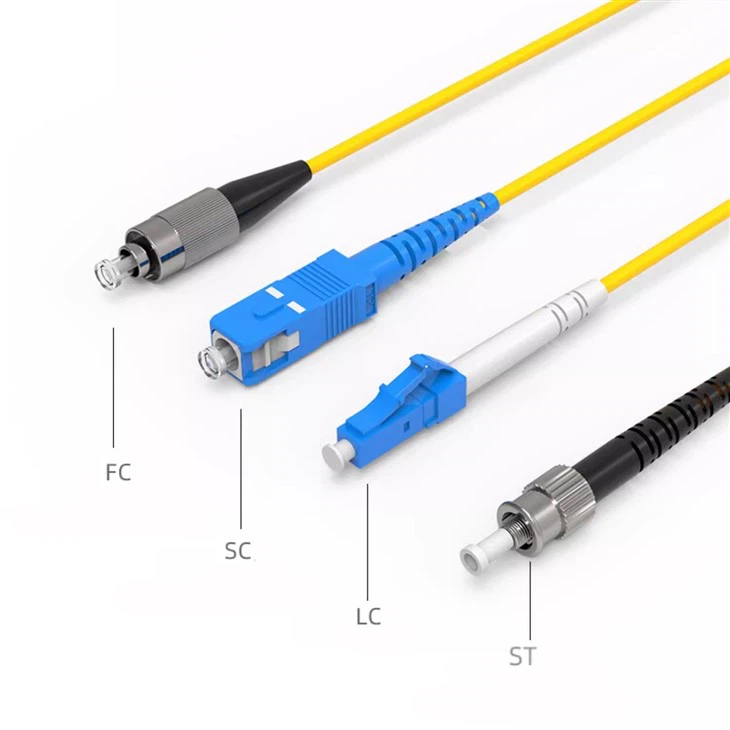
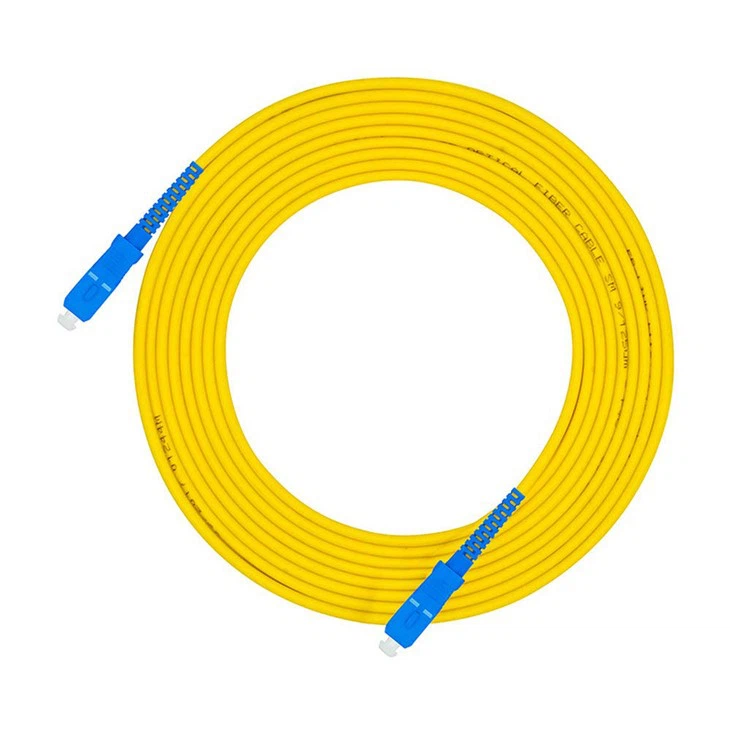
Fiber optic cables are also cables but instead of electrical signals, they carry light which increases the high speed of light. You can imagine how faster the data will transfer than the other two cables. It is really expensive and requires proper installation and management.
An Ethernet Connection Encompasses The Following
The Ethernet Port: Ethernet ports (commonly known as jacks or sockets) are openings on computer network infrastructure into which one may plug in Ethernet cables. It supports cables with RJ-45 connectors. The Ethernet connector on the majority of computers serves to connect the equipment to a wired connection. The Ethernet port of a computer is linked to an Ethernet network adapter, also known as an Ethernet card, mounted on the motherboard. A router may contain numerous Ethernet ports to support various wired network devices.
The Ethernet Protocol
This protocol was developed in the 1970s by Xerox. It is a series of standards that governs how data is sent between Ethernet components as explained before.
Ethernet Network Adapter
An Ethernet adapter is a chip or card that fits into a slot on the motherboard and allows a computer to connect to a local area network (LAN). In the past, these were always used with desktop computers. Ethernet is now integrated into the chipsets of laptop and desktop motherboards.
An Ethernet Cable
Ethernet cable, often known as a network cable, links your computer to a modem, router, or network switch. The Ethernet cable consists of the RJ45 connection, the internal cabling, and a plastic jacket.
Are All Ethernet Cables The Same
While all Ethernet cables work in more or less the same way, there are key differences between Ethernet cables that you should know before purchasing one. Below, learn more about different types of Ethernet cables and how they work
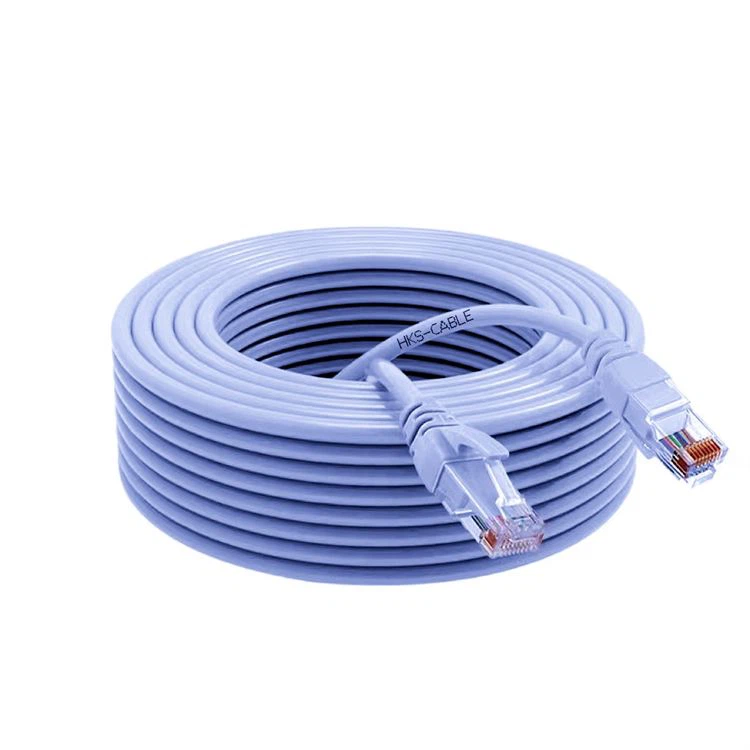
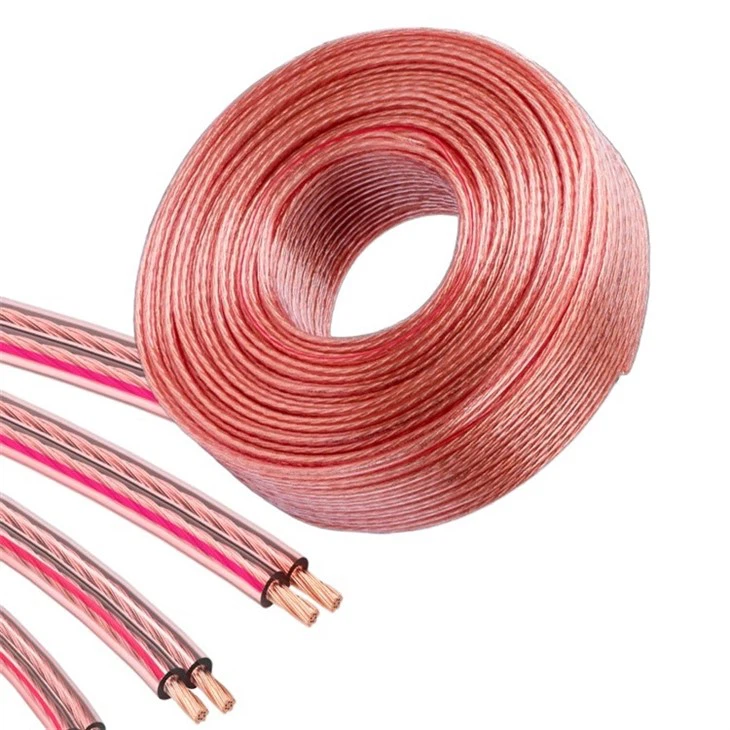
Cat 5 Cable
The most basic Ethernet cable is the Cat 5. This cable is very outdated and hard to find. The only
households that should be using a Cat 5 are those with Internet plans with speeds lower than 100 Mbps.
If you currently have a Cat 5 cable and need to replace it, however, we suggest upgrading to a Cat 5e,
as it’ll still be useful if you decide to upgrade your Internet speed in the future.
Cat 5e Cable
A Cat 5e cable is the current standard. This standard Ethernet cable is able to support Internet plans
with speeds up to 1,000 Mbps and helps get rid of unwanted transfer of signal between the cables,
leading to a stronger connection. The estimated price for a 12-foot Cat 5e cable is less than $10,
making it an affordable option for most households.
Cat 6 Cable
The Cat 6 cable offers support for the same speeds as the Cat 5e but will double your bandwidth.
Having a higher bandwidth increases both download and upload speeds. Some Cat 6 cables also offer
shielding to protect the wires inside your Ethernet cable from interference. If you want this feature,
look for "STP'' or "shielded twisted pair" when looking for Cat 6 cables.
Cat 6a
Cat 6a cables increase speed and bandwidth when compared to the Cat 6 cable. In addition, all Cat 6a
and higher cables guarantee shielding to eliminate interference entirely. A Cat 6a cable will support
your high-speed Internet connection for years to come, even as faster cable and fiber-optic Internet
speeds become available.
Cat 7
One of the newest Ethernet cables available is the Cat 7. While this is newer technology available on
the market, the Cat 7 doesn't offer much more than the Cat 6a aside from higher bandwidth. Cat 7
cables support speeds of up to 10,000 Mbps, and 600 MHz of bandwidth, while Cat 6a supports 500 MHz.
This higher bandwidth enables faster data transfers, so if you want to download or upload large files,
the Cat 7 might be right for you.
Cat 7a
Cat 7a is the best cable for high-speed Internet—and the most expensive. Similar to the Cat 6a
and Cat 7 cables, the Cat 7a supports speeds up to 10,000 Mbps, but its max bandwidth is exponentially
higher at 1,000 MHz. The Cat 7a is definitely much more than the average person needs but perfect for
those who want to invest in the best cable now that will be compatible with upcoming technologies.
How to Choose Ethernet Cables
You should choose your Ethernet cables after carefully considering their planned usage. Your data transmission speed requirements, and the environment in which the cables will be deployed. If you will be connecting computers or other equipment to a network switch or hub then you want straight-through Ethernet cables. To enable two computers without modems to communicate directly you would employ a crossover or null-modem Ethernet cable. These different cables are not compatible with each other.
You can choose to purchase pre-made cables or manufacture your own. You can purchase cables and build them to the exact length that you need them by attaching an RJ45 Ethernet cable connection at each end of the cable.
If speed will be a critical factor then you will want to go with the best cables you can fit into your infrastructure budget. You may also want to design your infrastructure to reduce the cable lengths within reason wherever possible. Cat6a will give you the fastest performance but will be more expensive than the alternatives.
The environment in which your cables will be used can be a determining factor on your choice of Ethernet cables. Most Ethernet cable is not waterproof, as it is designed for indoor use in a dry environment. There are situations where you might need to run Ethernet cables outside or in an otherwise wet location. In these cases, you will want to purchase exterior-grade or direct burial cables which afford protection from moisture.
What Is a Usb To Ethernet Cable Used For
A USB to Ethernet adapter (sometimes referred to as “cable”) helps you connect USB devices to Ethernet. When you want to share your device over the local wired network and have no available Ethernet ports on it, a USB to Ethernet adapter comes to the rescue.
You should simply plug the adapter into the device’s USB port and then plug your Ethernet cable into the adapter. Once the other end of the Ethernet cable is plugged into a network hub, router or modem, your USB device is ready for full-speed Ethernet data transfer.
How Does An Ethernet Cable Work
An Ethernet cable is a type of network cable used to connect devices to a computer network. Ethernet cables are made of copper wire and have a standard length of 100 meters (328 feet). They are typically used to connect computers, printers, and other devices to a router or switch.
Ethernet cables work by transmitting data through the wires using electrical signals. The data is then converted into packets and sent through the network. When the packets reach the destination, they are reassembled into the original data.
How Ethernet Cables Work
Ethernet cable is a physical medium for transmitting network data. Its working principle mainly includes the following aspects
Data Transmission Method: Ethernet cable uses four pairs of UTP (unshielded twisted pair) or STP (shielded twisted pair) physical media. Signals are transmitted through pairs of wires, usually in duplex mode. , that is, sending and receiving data at the same time.
Data Transmission Rate: The data transmission rate of Ethernet cable is determined based on the transmission medium and duplex mode. The current mainstream Ethernet standards include 10Mbps, 100Mbps, 1Gbps, 10Gbps and other rates.
Data Frame Format: The transmission data of Ethernet cable is based on data frame. Data frame generally contains three parts: header, data segment and tail. The header contains information such as source address, destination address and type, the data segment is the main transmission data, and the tail mainly contains the check code.
Data Collision Detection: Ethernet cable adopts CSMA/CD (Carrier Sense Multiple Access/Collision Detection) protocol to ensure the correctness and stability of sending and receiving data. Before sending data, first monitor whether the channel is occupied, and then send data. If a data conflict is found, sending will be stopped immediately and the data will be retransmitted.
Network Topology: The network topology of Ethernet cables mainly adopts bus or star structure. Different network structures have different advantages and disadvantages. It is very important to choose the structure that suits your network needs.
Considerations Of Choosing Ethernet Cables For Poe Applications
When you are shopping for your PoE components, be sure to get a high quality, compatible cable. Here are some things to look for
Cable Quality
High-quality cables from reputable manufacturers are less likely to have issues with power transmission or data integrity. Poor-quality cables can lead to power loss, data corruption, or damage to your devices.
Cable length
Like an extension cord, an ethernet cable works best when you have accounted for the amount of power being transmitted over the cord’s length. The maximum distance for PoE applications is typically 100 meters (or 328 feet). Using longer cables can lead to power loss and reduced performance. If you need to extend your PoE beyond this limit, you can use PoE extenders, repeaters, or fiber-optic converters.
Cable Shielding
Shielded cables (FTP, SFTP, or STP) can help reduce electromagnetic interference, improving signal quality and reliability in environments with high levels of interference.
Compatibility
Make sure the Ethernet cables you choose are compatible with the PoE standard being used in your network (IEEE 802.3af, IEEE 802.3at, or IEEE 802.3bt) and can handle the required power levels for your devices.
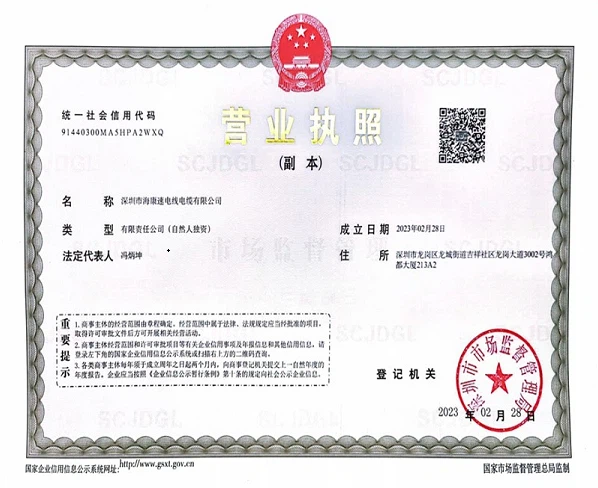
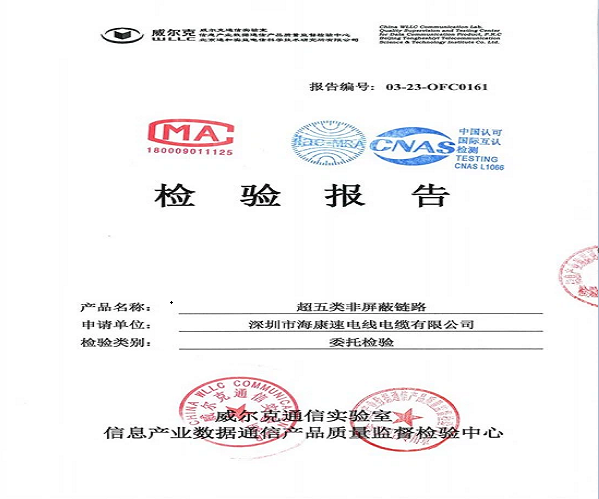
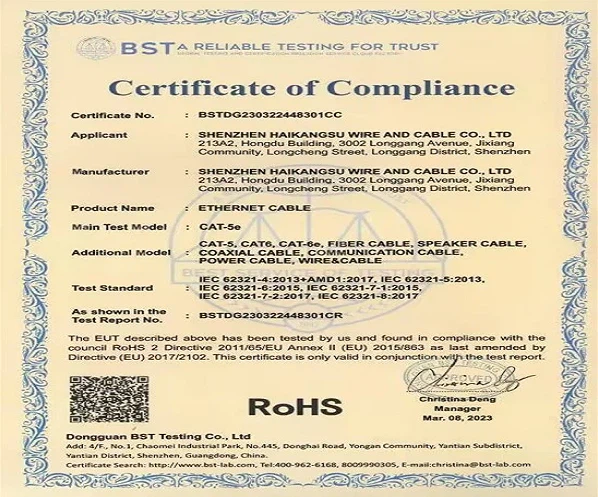
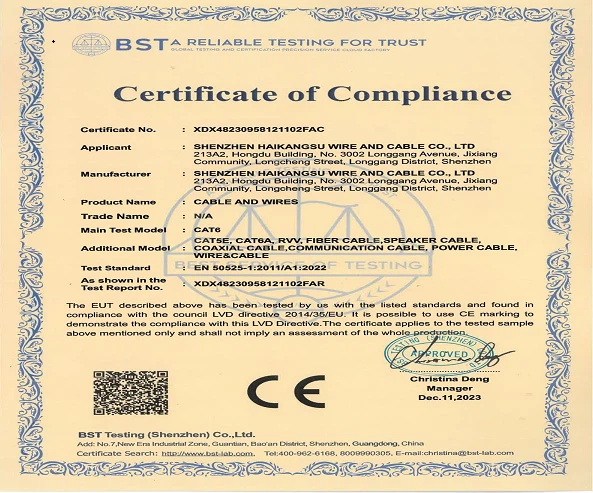
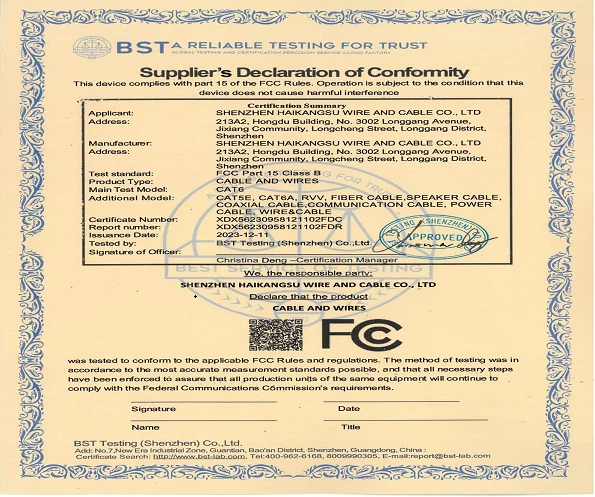
Certifications

Our Factory
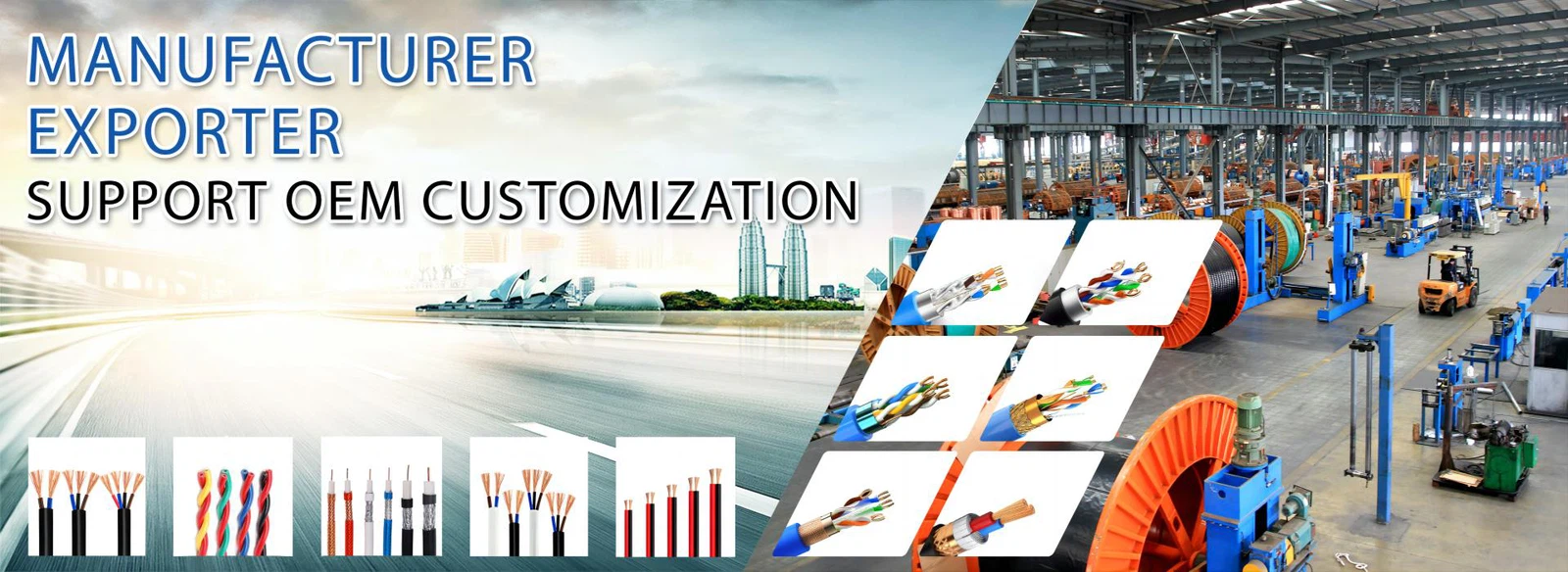
Shenzhen Haikang Plastic Wire and Cable Co., Ltd. is a comprehensive trading company specializing in the production and processing of copper core cables and wires. The company has advanced production equipment, a strong technical team, and complete testing methods. With strong technical expertise, first-class equipment and perfect management system, it takes a leading position in innovative cable design and manufacturing. The company has its own factory in Chigang Town, Jieyang City, Guangdong Province, China, with a fifteen-year development history and rich production experience.
FAQ